

Video downloader for compatible web media
Detect media, choose an exposed quality, and manage the save without working with technical playlist or segment URLs.
Explore video saving →WEB VIDEO SAVER FOR IPHONE
ALBA detects compatible media, lets you choose an available quality, and saves the finished file to your private vault—right on your iPhone.
No online ALBA account required · Files stay on your iPhone by default
For media you own or are authorized to save. Availability varies by source and format.
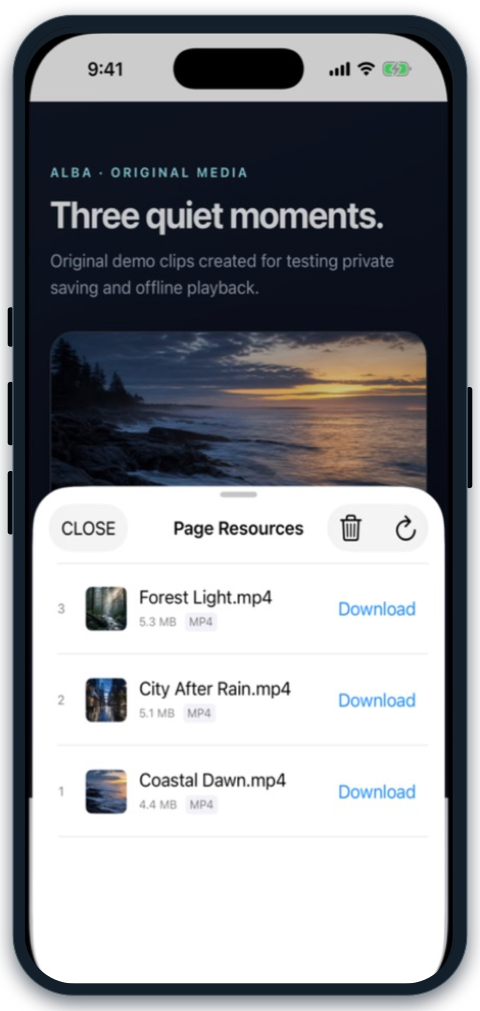
Find compatible media on the page.
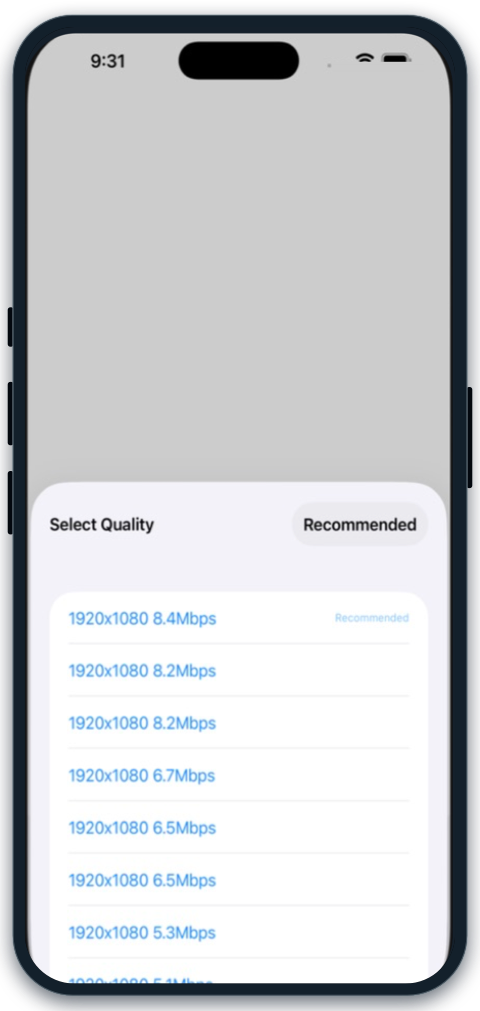
Pick an available resolution.
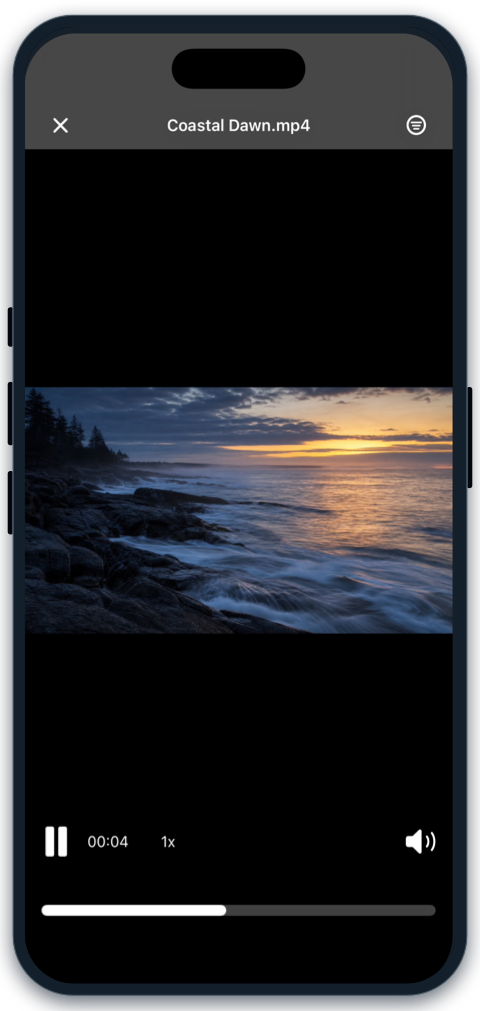
Keep the finished file on device.
One simple flow
No technical links to untangle. No separate downloader, file manager, and player to switch between.
Open a compatible page or direct media link. ALBA finds the media made available by the source.
Pick an available quality, choose where it should live, and follow progress in Downloads.
Open the completed file from Downloads or your private vault without returning to the page.
Private by design
Completed files stay on your device by default, protected inside your local vault. ALBA does not operate a remote media-download proxy, and we cannot view your vault files or recover your passcode.
See how ALBA handles privacyMore than a download
Saving is the beginning. ALBA gives every completed file a private, organized place to stay.
Detect media, choose an exposed quality, and manage the save without working with technical playlist or segment URLs.
Explore video saving →Already have a permitted direct video or audio link? Open the dedicated workflow without scanning a surrounding page.
Explore direct-link saving →Keep completed downloads and imported videos away from everyday camera-roll clutter behind ALBA's protected access flow.
Explore the private vault →Open completed files directly, continue without the source page, and keep saved media organized alongside your private files.
Explore offline playback →Explore
Straightforward checks for saving compatible media, preparing a phone for travel, and keeping access when a SIM changes.
Before you download
Straight answers about compatibility, quality, offline playback, and privacy.
No. ALBA works with compatible direct media and supported page resources made available by the source. Availability depends on the page, format, permission, authentication, and technical protection.
When a compatible source exposes multiple media variants, ALBA can list the available choices so you can select a quality before saving.
Yes, when the saved file format is supported by the device and ALBA's player. Open completed media from the download list or your private vault without returning to the source page.
ALBA is local-first and does not upload vault files to third-party servers. Optional device backup is controlled through Apple's iCloud Backup settings.
No online ALBA account is required to create and use a local private vault.
Ready when the network isn’t
Detect compatible media, choose a quality, save it privately, and watch offline with ALBA for iPhone.
No online ALBA account required · Files stay on your iPhone by default Only save media you own or that the source explicitly authorizes you to download and keep. Availability depends on the page, format, and source rules. ALBA is not designed to bypass access controls or digital rights protections.