
Separate private spaces
Use different passwords for isolated file spaces, so sensitive and everyday files do not need to share one view.
ALBA keeps files, photos, notes, and 2FA codes in a local encrypted vault. Separate passwords can open separate spaces, no ALBA account is required, and permitted web media can be kept for offline use.
Some vault-account, search, and bulk features require Pro. Current limits and pricing are shown inside the app.
Only save media you own or that the source explicitly authorizes you to download and keep. Availability depends on the page, format, and source rules. ALBA is not designed to bypass access controls or digital rights protections.
Use different passwords for isolated file spaces, so sensitive and everyday files do not need to share one view.
Store files, photos, secure notes, and 2FA codes locally, then export authenticator data when moving devices.
Detect media a page makes available, choose a source-provided quality, and play supported saved files offline.
Choose the edition for your device.
Install ALBA through the Apple App Store.
View on the App Store →Download the official signed APK with all current features included and no ads.
Open the Android download page →Select an image to download the full-resolution PNG. This page loads smaller previews first.
Official ALBA App Store icon.
Download app icon ↓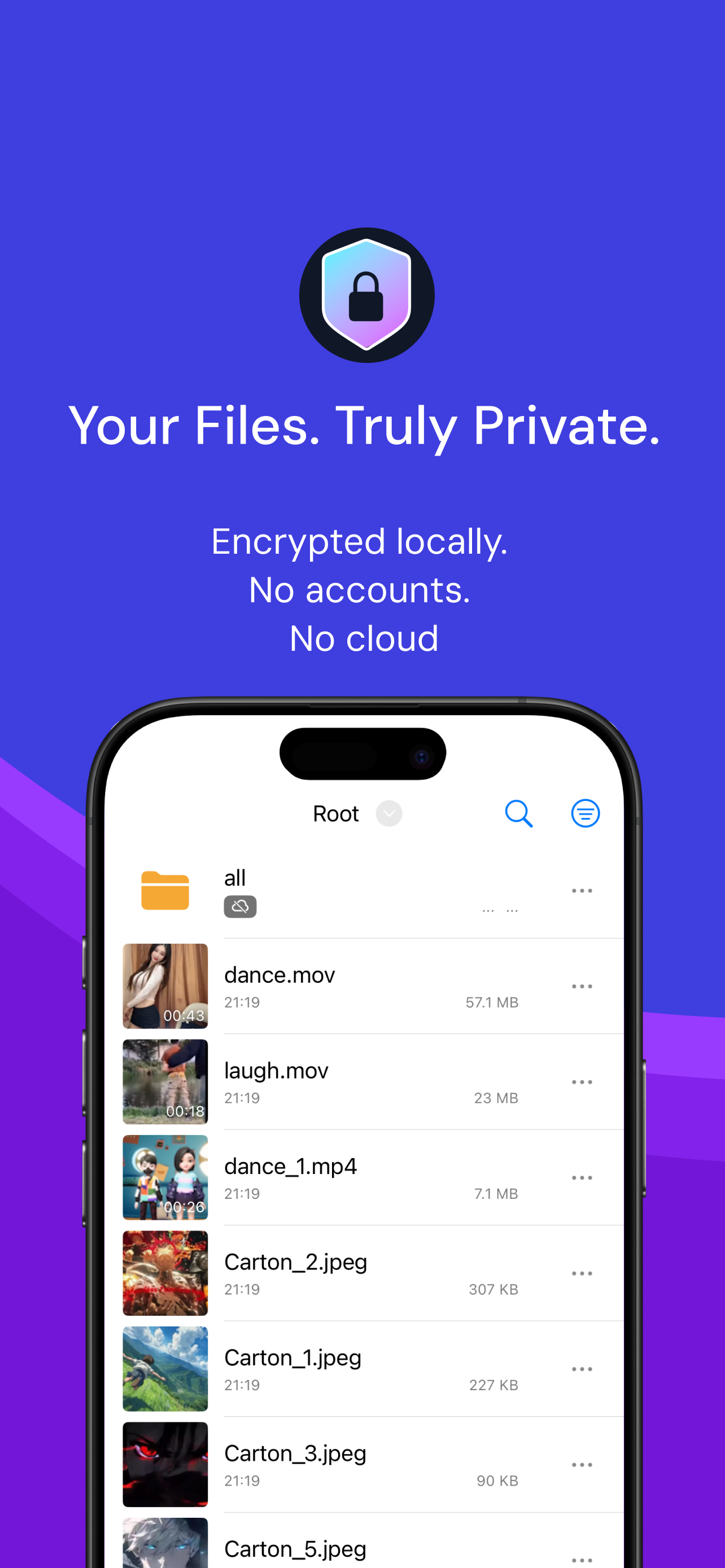
Current App Store screenshot showing ALBA's local, account-free file vault.
Download screenshot ↓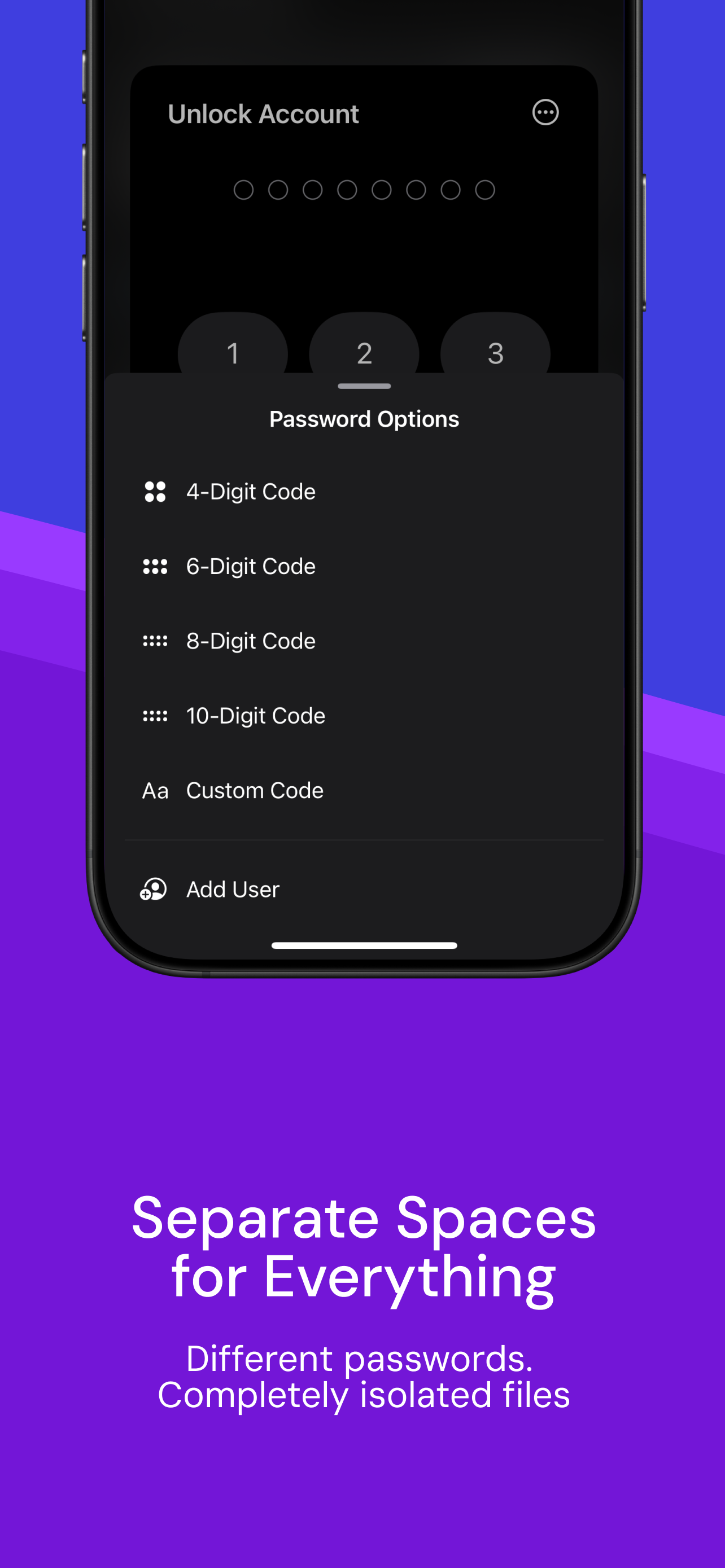
Current App Store screenshot showing separate passwords and isolated file spaces.
Download screenshot ↓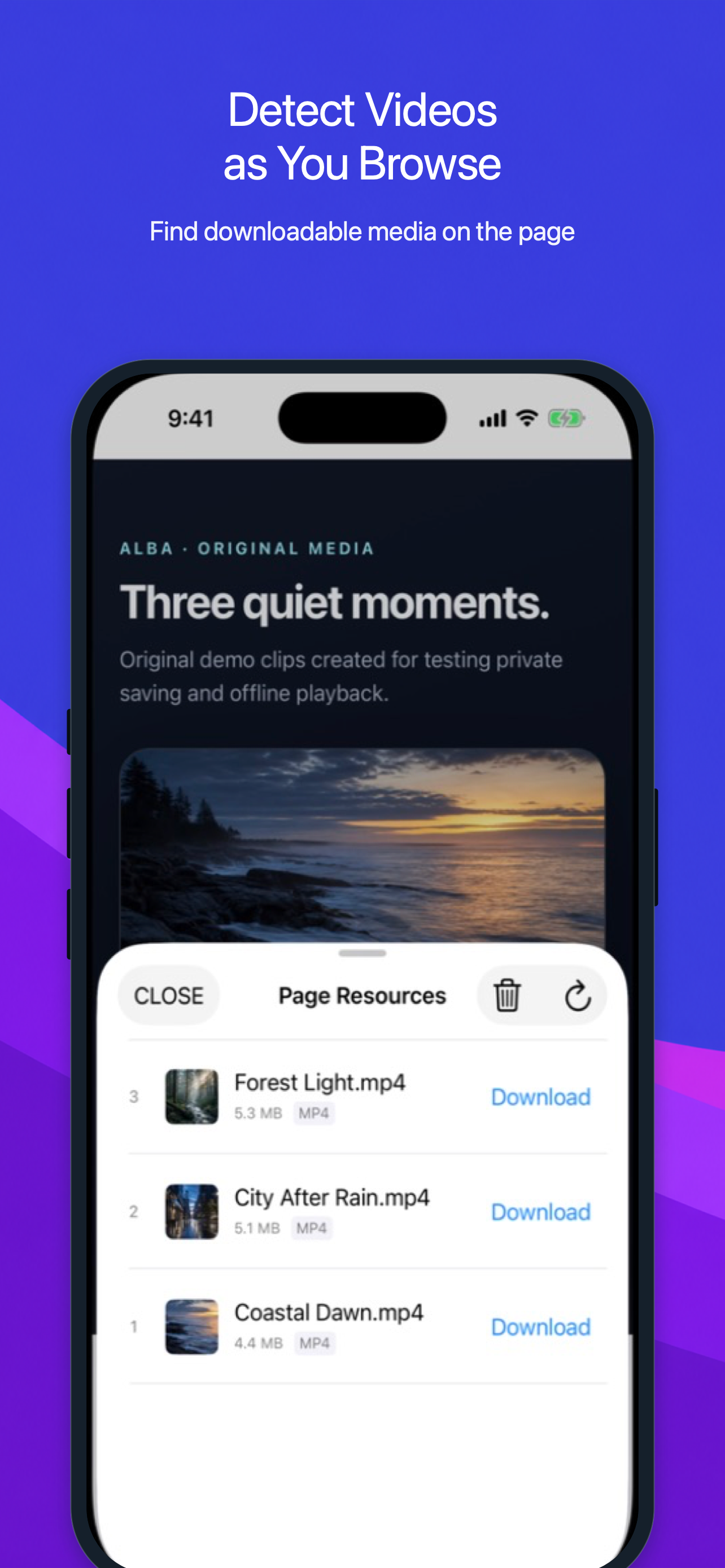
ALBA identifying media made available by a web source.
Download screenshot ↓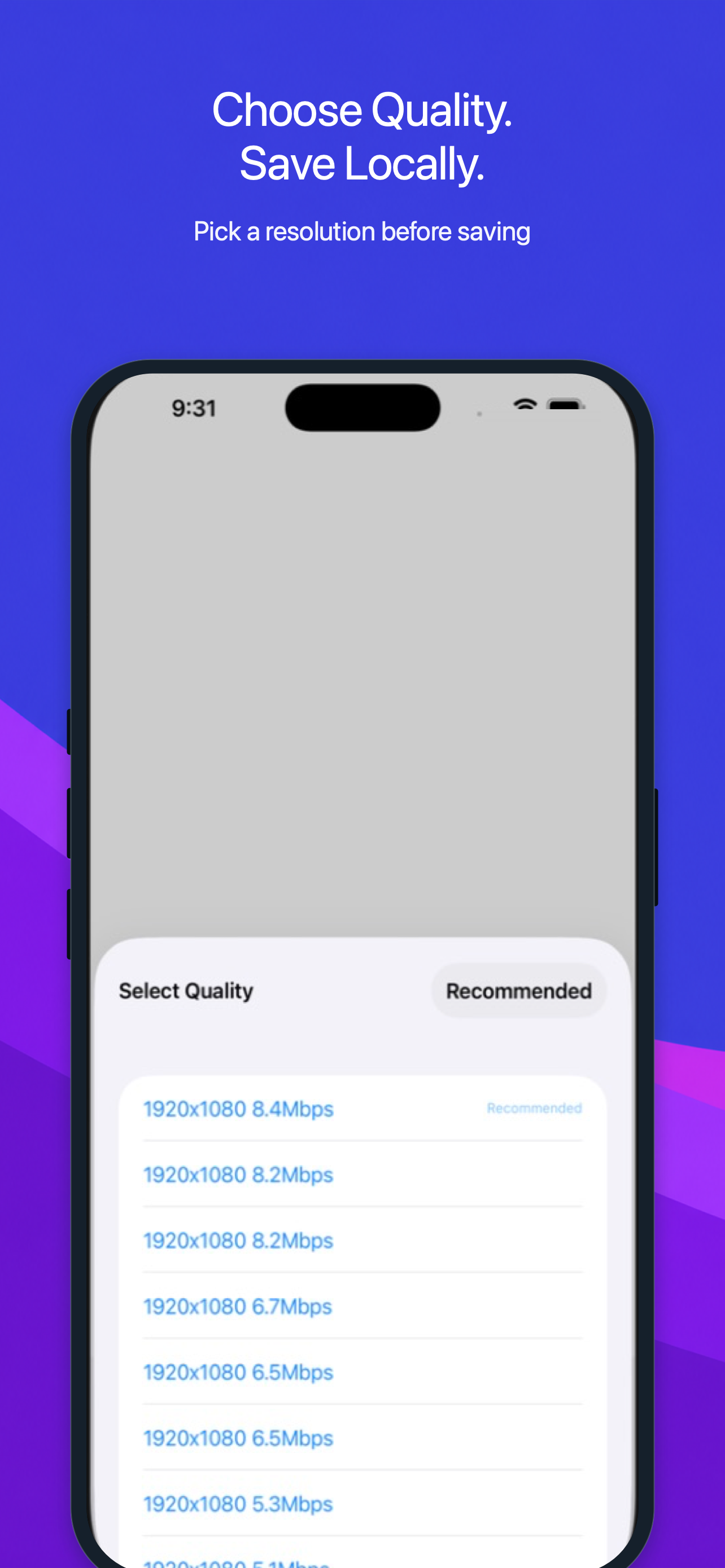
Choosing from the versions provided by the source.
Download screenshot ↓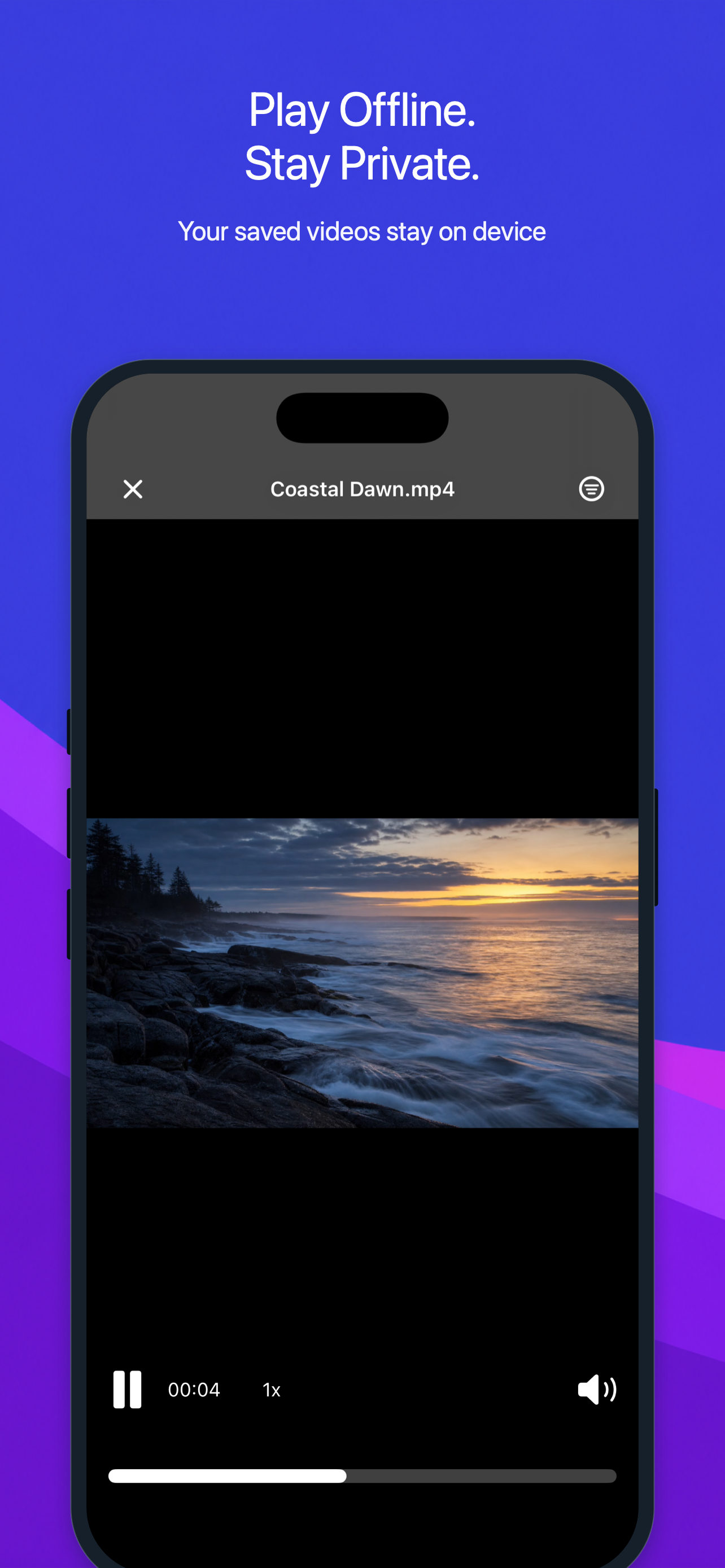
Opening a completed file from the local vault.
Download screenshot ↓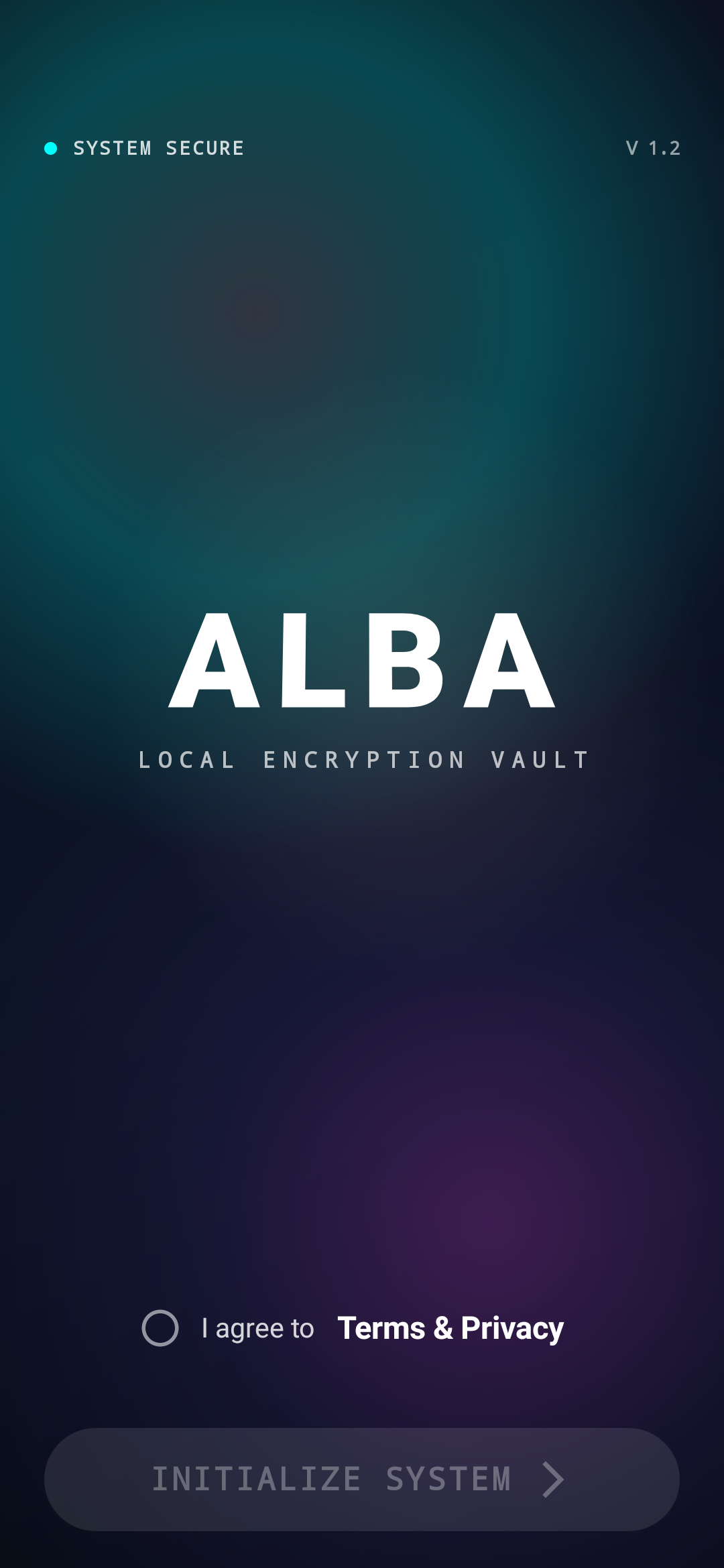
ALBA Android before creating its local encrypted vault.
Download Android screenshot ↓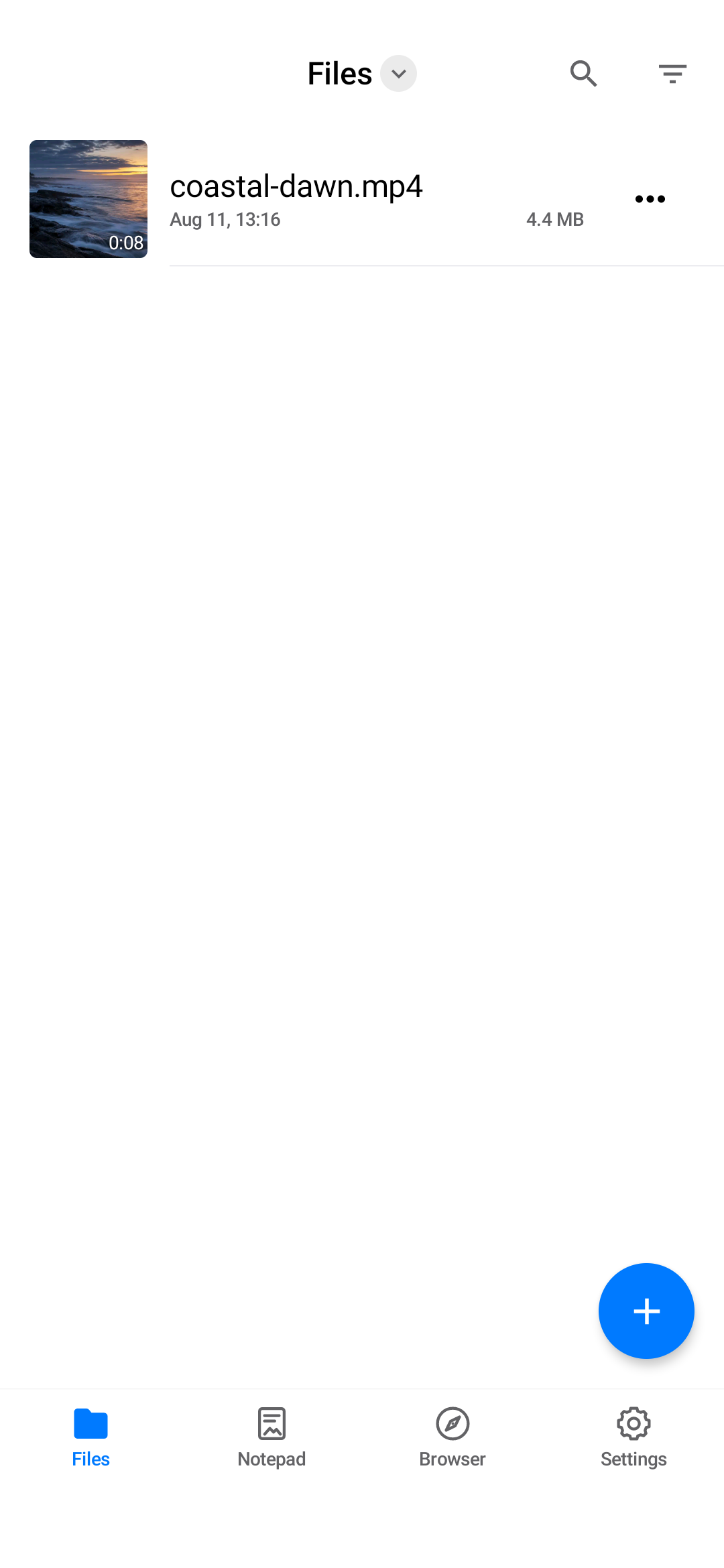
A project-owned sample video stored locally with its thumbnail, duration, and size.
Download Android screenshot ↓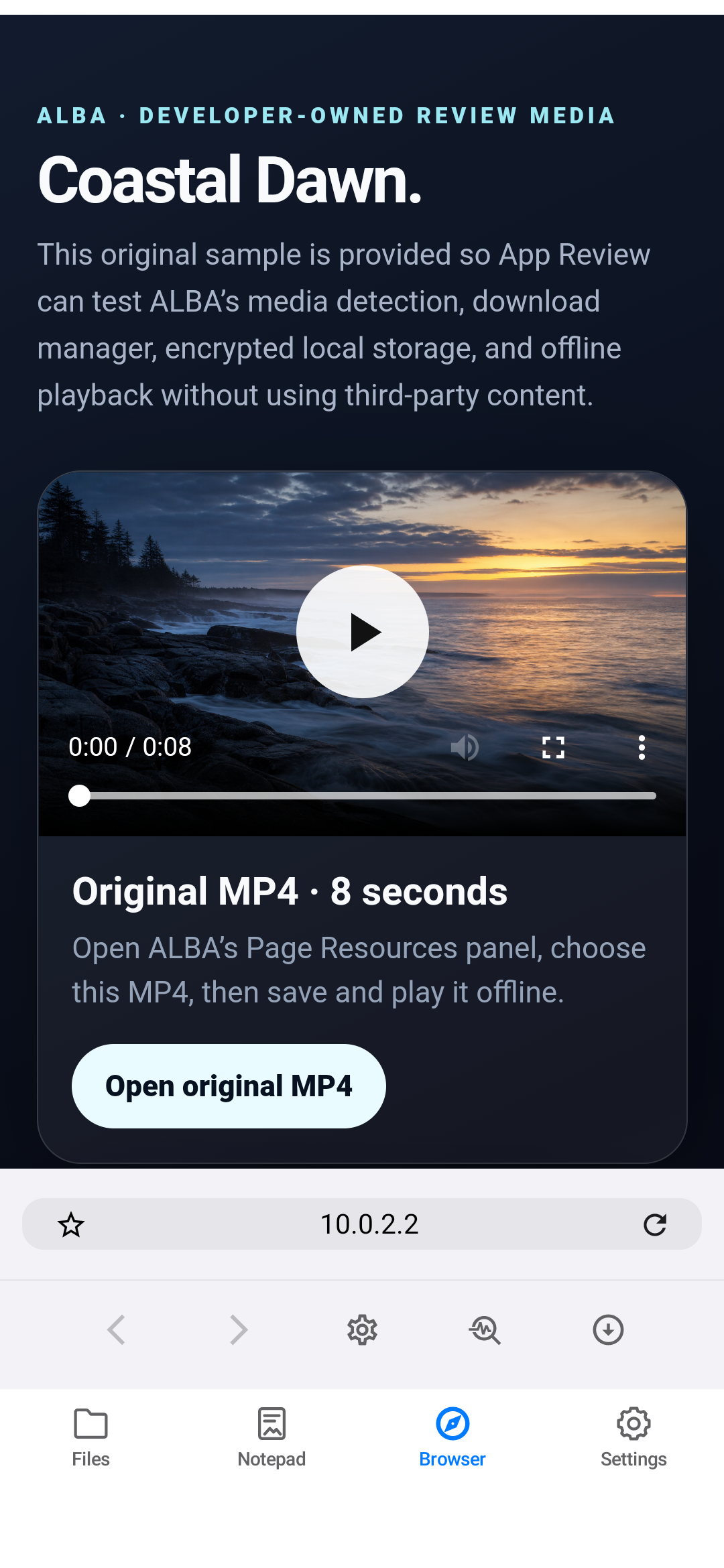
ALBA Android opening the project-owned Coastal Dawn media fixture.
Download Android screenshot ↓Use the App Store for iPhone and iPad, or the official Android download page for the signed APK.